If your company uses HubSpot but keeps hitting limits on automation, flexibility, or integrations, the problem isn’t HubSpot, it’s that you’re using it like an out-of-the-box tool instead of a platform. Custom HubSpot development unlocks the platform’s real power: scalable workflows, private and public apps, custom objects that model your business, serverless functions for secure back-end logic, and programmable automation that ties it all together.
This guide walks you through what to build, why each piece matters, how they fit together, and the practical steps to take when you’re ready to scale HubSpot beyond templates and point-and-click automations.
Why invest in custom HubSpot development?
Most teams start with HubSpot’s core CRM, email, and workflow builders and that’s great. But as you scale, three things usually become painfully clear:
Standard objects (contacts, companies, deals) don’t model the whole business.
Built-in workflows are limited when you need complex logic, 3rd-party APIs, or custom data models.
Pre-built connectors and apps don’t always cover niche systems or bespoke processes.
Custom development lets you treat HubSpot as a platform: you design a data model that mirrors your business, write automation that uses that model, and ship apps and portals that extend HubSpot to customers, partners, and internal teams. The result: fewer manual processes, higher-quality data, faster handoffs, and automation that scales with you.

What “custom HubSpot development” actually covers
When people say “custom HubSpot development,” they usually mean a mix of the items below each solves different scaling problems:
Custom objects to represent domain-specific data in the CRM (e.g., Properties for real estate, Shipments for logistics).
Private / public apps that integrate HubSpot with other systems or expose custom UI/extensions.
Programmable automation (custom code actions) inside workflows to run Node/JS or Python logic for advanced routing, API orchestration, or data transformations.
Serverless functions for secure server-side code that powers CMS features or acts as middleware without your own infra.
CLI and developer platform projects to version, test, and deploy HubSpot apps and CMS code.
Below, we’ll unpack each capability, how to use it, and practical patterns to scale safely.
Custom objects model what matters
Problem: Your business tracks entities that aren’t contacts, companies, or deals (e.g., properties, policies, courses). Forcing them into standard objects ruins reporting and relationships.
Solution: Create custom objects in HubSpot that reflect your domain (Products, Licenses, Properties, Shipments). Custom objects behave like native CRM objects; you can add properties, create associations, and trigger workflows from them. Use custom objects to keep your CRM model clean and enable automation that acts on the correct business records.
Practical tips
Start small: design one custom object, its key properties, and associations.
Use canonical identifiers (IDs) to connect records reliably across systems.
Plan reporting and workflows around the object before you create it (so dashboards are meaningful from day one).
Limiting writable custom objects for public apps, HubSpot sometimes requires special access for custom-object creation in OAuth scenarios; check limits for Enterprise plans.
When to use: Long B2B sales cycles, productized services, marketplaces, real estate, education platforms, and any situation where domain entities have life cycles distinct from contacts/deals.
Private and public HubSpot apps integrate and extend
Problem: Your team needs deep integrations (ERP, billing, logistics) or wants to extend the HubSpot UI or Marketplace with functionality specific to your industry.
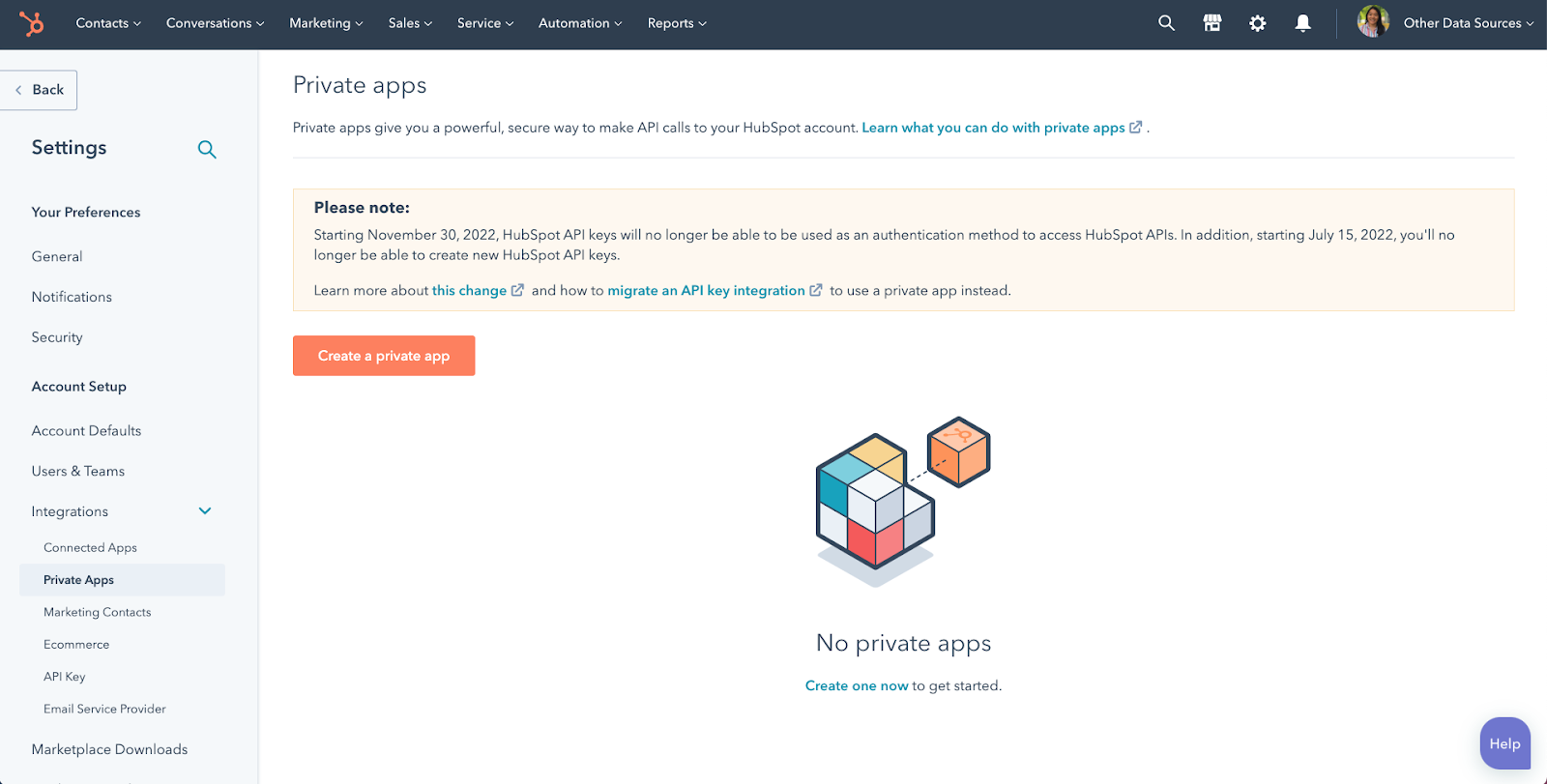
Solution: Build private apps for in-portal integrations and automation (fast to launch, token-based auth), or public apps if you want to publish on the HubSpot Marketplace. HubSpot’s developer platform and CLI let you build app manifests, manage scopes, and deploy structured app projects.
Practical tips
Use private apps for internal integrations and quick proofs of concept.
Use the HubSpot CLI and the 2025.2 developer platform to manage source code, assets, and deployment pipelines, this is production-ready and supports modern build flows.
Design apps to handle re-auth and token rotation gracefully (necessary for stable long-term integrations).
When to use: You need a bespoke integration, a custom admin UI inside HubSpot, or a packaged solution you might later sell.
Programmable automation & custom code actions workflows that think
Problem: Native workflows are excellent for standard tasks, but enterprise logic often requires loops, API orchestration, conditional transformations, and operations that HubSpot UI can’t express.
Solution: HubSpot’s programmable automation and custom code actions let you embed JavaScript or Python into workflows (Ops Hub Professional/Enterprise typically required). That means you can call external APIs, transform data, implement advanced lead scoring, or run business rules without leaving the HubSpot workflow engine.
Practical tips
Keep code actions small and focused on one responsibility per custom action.
Implement robust error handling and logging; workflows must not silently fail.
Respect API rate limits for connected systems; implement retries and backoffs.
Use programmable automation for business-critical steps (lead enrichment, fraud checks, dynamic routing).
When to use: Complex MQL→SQL transitions, multi-source enrichment, multi-step approval flows, or any place you need deterministic server-side logic within HubSpot.
Serverless functions secure back-end without infra
Problem: You need to perform server-side operations (API calls with secrets, dynamic rendering, cross-system transactions) but don’t want to maintain your own servers.
Solution: HubSpot CMS serverless functions let you run Node.js code on HubSpot’s infrastructure. Use them to proxy API calls, perform secure computations, or generate dynamic content for CMS pages without exposing secrets client-side. They’re ideal for form handlers, payment webhooks, or third-party API orchestration.
Practical tips
Keep secrets in HubSpot environment configs never embed credentials in code.
Use serverless functions for short-lived tasks; for long-running background jobs, consider external workers or queues.
Test locally with the HubSpot CLI developer tools to iterate quickly.
When to use: CMS-driven portals (customer or partner portals), form processing with third-party verification, secure API calls from HubSpot pages.
Developer platform, CLI, and CI/CD build like software teams
Problem: Copy/paste deployments and manual edits break when you have multiple developers, sites, and environments.
Solution: Use HubSpot’s developer platform and CLI to create project-based developer workflows. Source control your assets, test in developer accounts, and deploy using automated pipelines (CI/CD). The modern platform (2025.x) supports file-based projects and better lifecycle management for apps and CMS code.
Practical tips
Create separate developer/test HubSpot accounts for safe testing.
Store your HubSpot project in Git; require PR reviews for changes to production assets.
Automate deployments with CI (GitHub Actions, GitLab CI) using the CLI commands for upload/deploy.
Use versioned serverless functions and a clear rollback strategy.
When to use: Any team doing more than occasional edits mandatory for professional development shops and enterprise deployments.
Putting it all together: scalable patterns and architectures
Below are repeatable patterns that work across industries.
Pattern A Domain-first data model
Design custom objects for your domain entities (e.g., Property).
Associate contacts/companies with custom objects.
Trigger workflows on custom-object events (creation, property change).
Use programmable automation to enrich or validate records.
Why it scales: Your CRM becomes a truthful reflection of business objects, not a forced spreadsheet.
Pattern B API-orchestration workflow
Use a HubSpot workflow to detect a trigger (form submission).
Custom code action calls an enrichment API and saves results.
Serverless function handles secure third-party webhook callbacks.
Workflow routes lead to the appropriate sales queue.
Why it scales: Each piece is responsible for a small role, orchestration becomes robust and observable.
Pattern C Portal + CRM hybrid
Build a HubSpot CMS portal for partners/customers.
Use serverless functions to authenticate and fetch HubSpot custom-object data.
Expose actions through private app endpoints to create/update CRM records.
Use workflows to notify teams and log activity.
Why it scales: Customers interact through a branded experience while HubSpot remains the system of record.
Security, governance, and best practices
Custom development introduces risk if not governed:
Authentication: Use OAuth or private app tokens and rotate secrets regularly.
API limits: Monitor quota usage and batch updates where possible.
Data governance: Map fields clearly and use canonical properties for reporting.
Testing: Always test in a dev/sandbox account before production.
Observability: Log code action runs, serverless errors, and workflow failures into a central system for triage.
Change control: Source-control every asset and require reviews for changes.
Costs, licensing, and product considerations
HubSpot capabilities vary by product tier. Custom objects, programmable automation, and certain API features may require Professional or Enterprise editions (or Ops Hub for programmable automation). Before building, check your HubSpot product limits and ecosystem fit. Sometimes upgrading a tier saves development complexity in the long run. HubSpot’s product documentation and catalog clearly list feature availability and limits.
Final Thoughts
Custom HubSpot development is not “more of the same”, it’s turning HubSpot from a best-in-class CRM into your company’s operational backbone. Start by modeling your domain, use custom objects to keep your data honest, apply programmable automation where logic gets complex, and use serverless functions to securely glue external systems and portal experiences together. Build with the developer platform and CLI so your team ships safely and confidently.
If you want a ready-to-run starter pack, including a custom-object mapping template, a 30-day programmable automation sprint plan, and a sample HubSpot developer project, I can generate those next.
Comments
Post a Comment